Set up MyNovelty in ChessBase
Download the bridge, select it once, and start analysing.
- 1
Download and save
Download the Windows bridge and keep it in a folder you can find again, such as
C:\Engines. - 2
Add the bridge
ChessBase: Home → Engines → Create UCI Engine. Select
MyNovelty-Cloud.exe, then choose OK.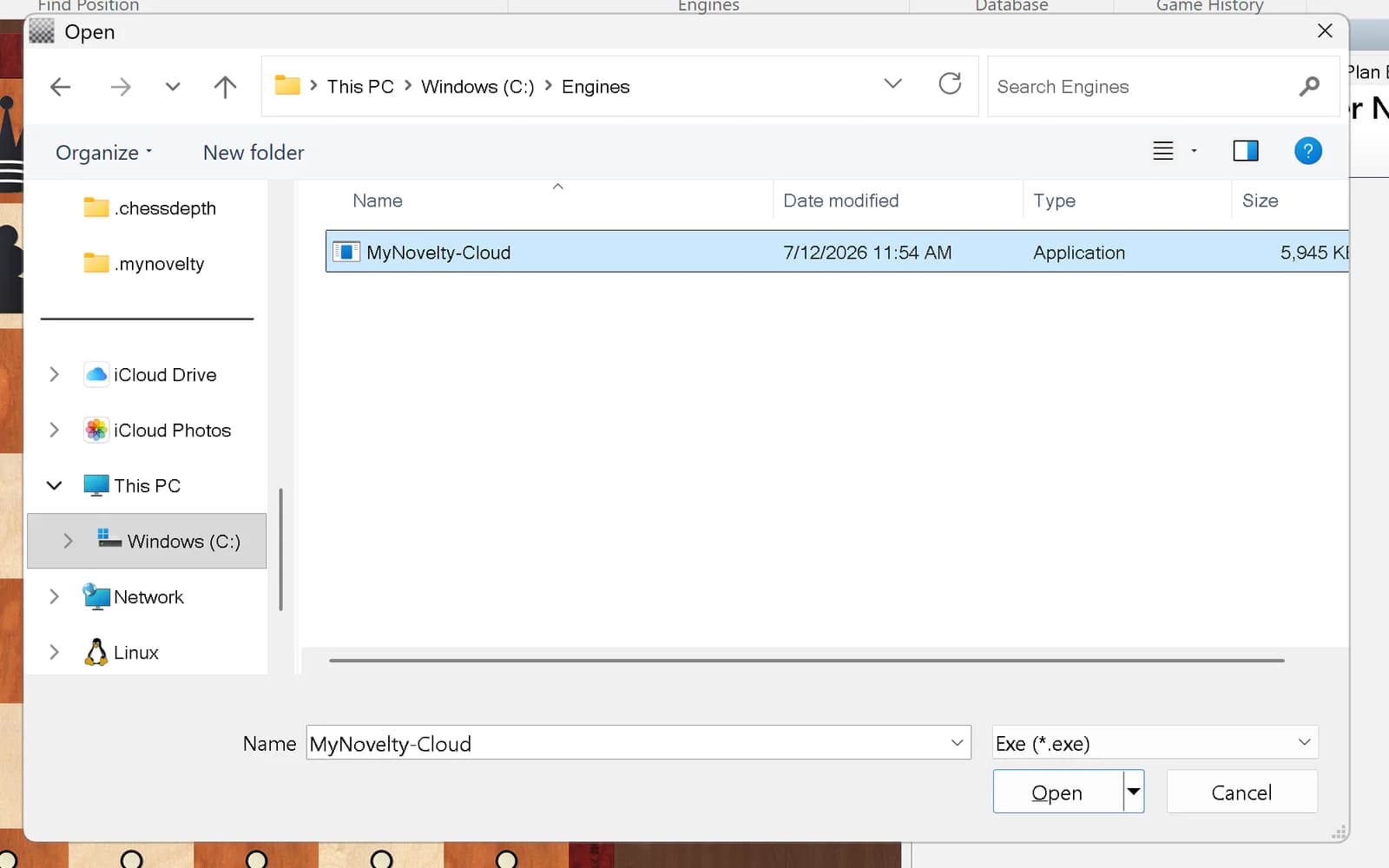
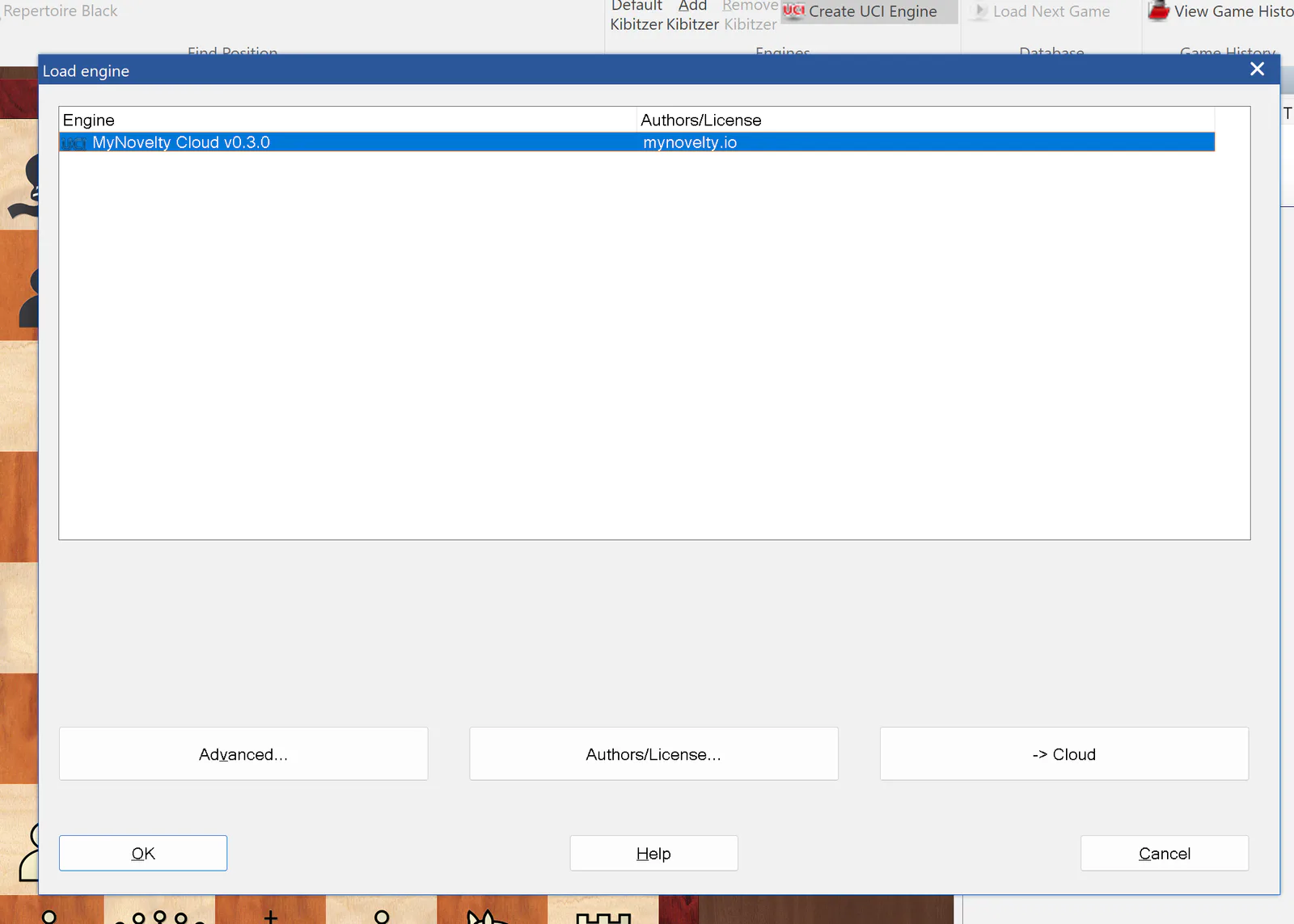
Select MyNovelty-Cloud.exe - 3
Start MyNovelty Cloud
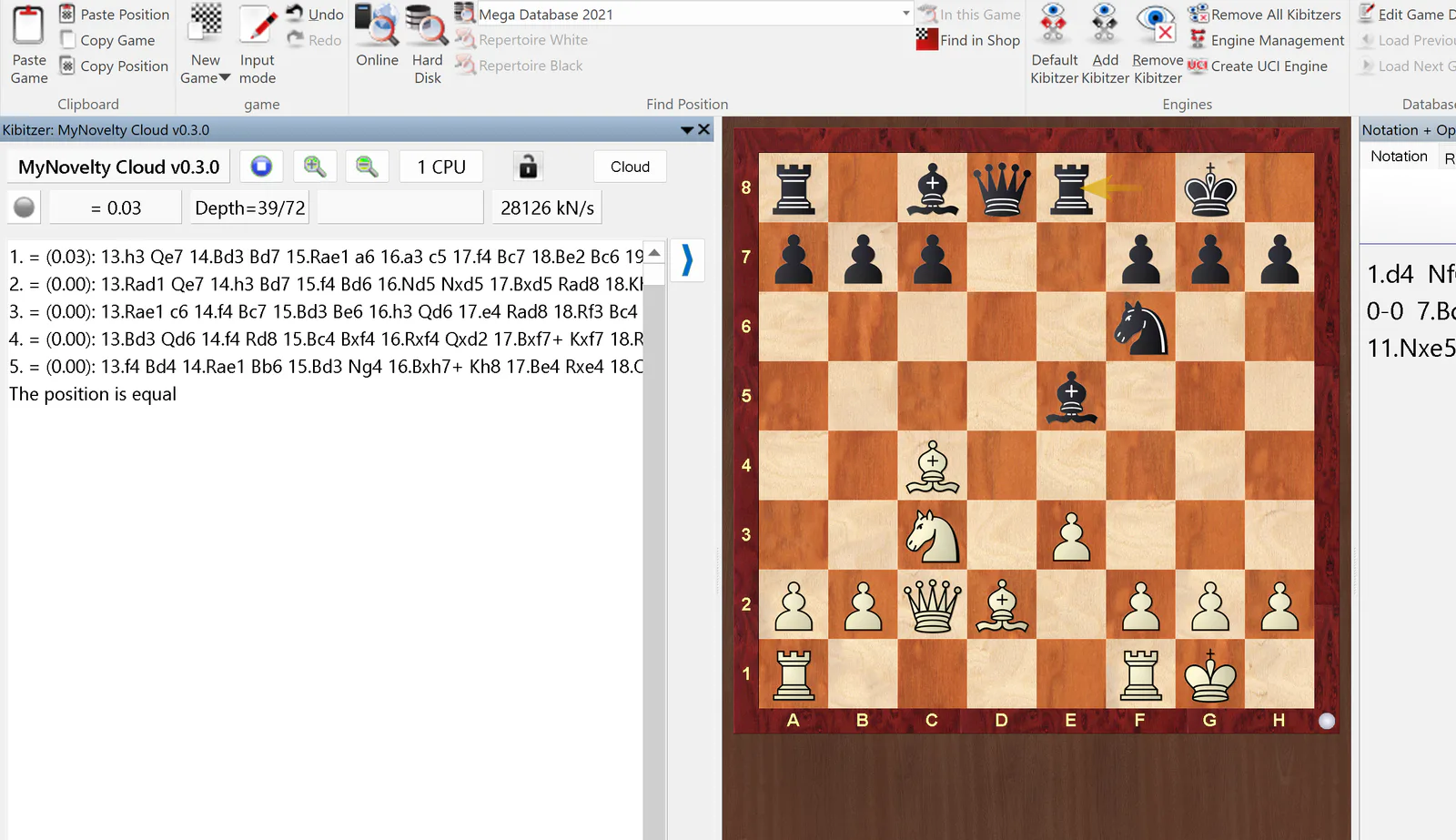
Home → Add Kibitzer → MyNovelty Cloud. Sign in once if your browser opens. Lines and depth mean you are ready.
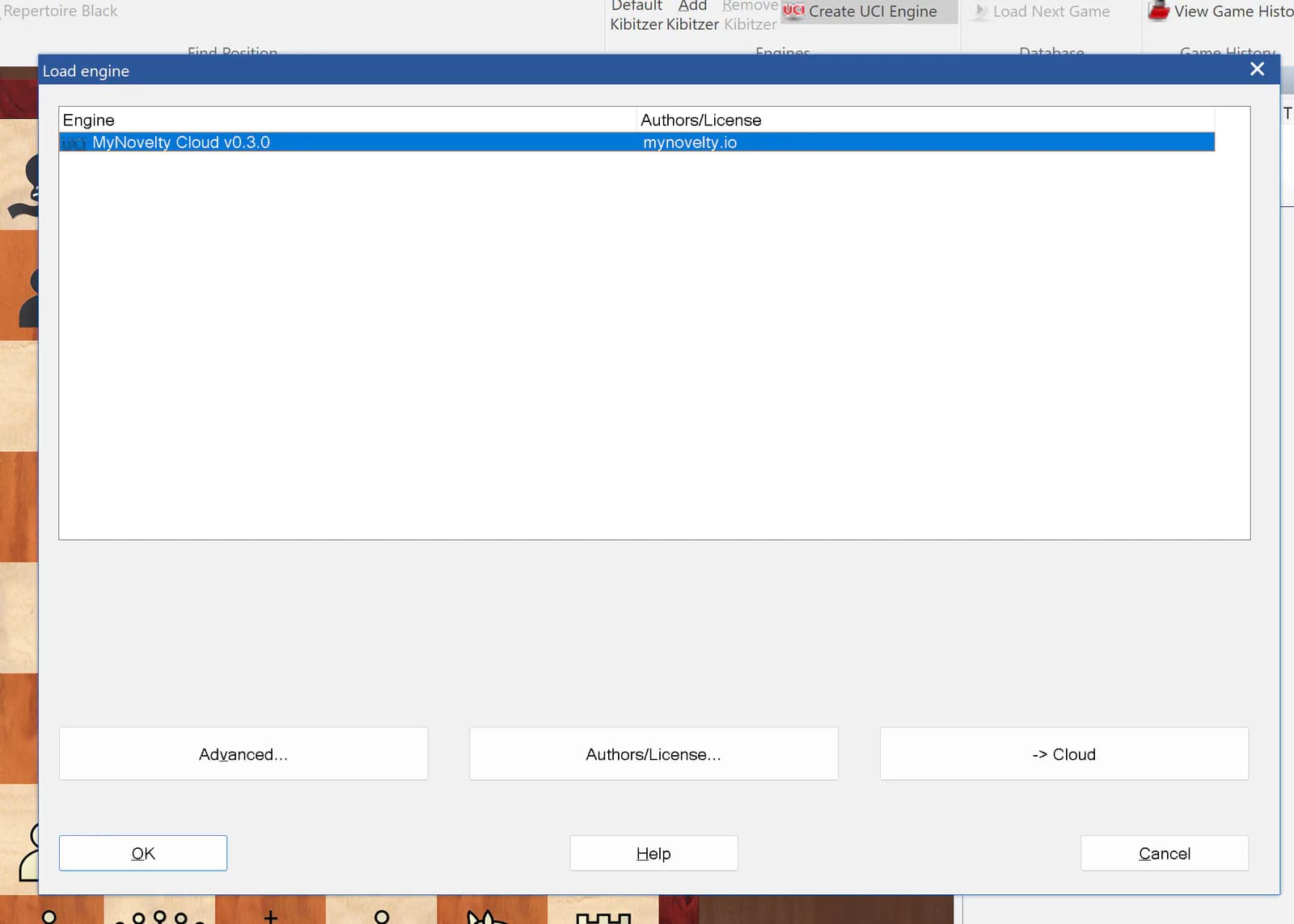
Choose MyNovelty Cloud 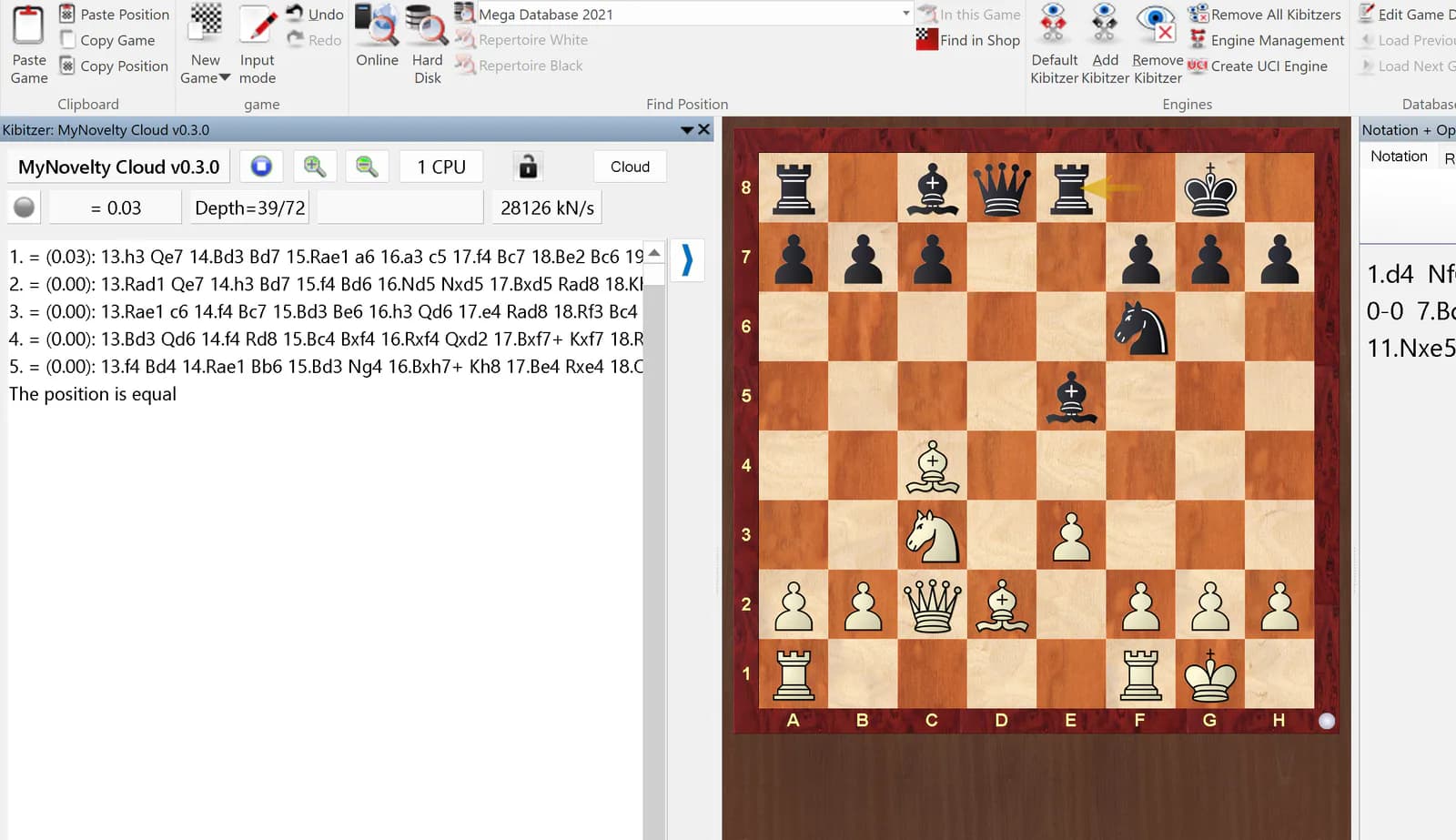
Analysis is running
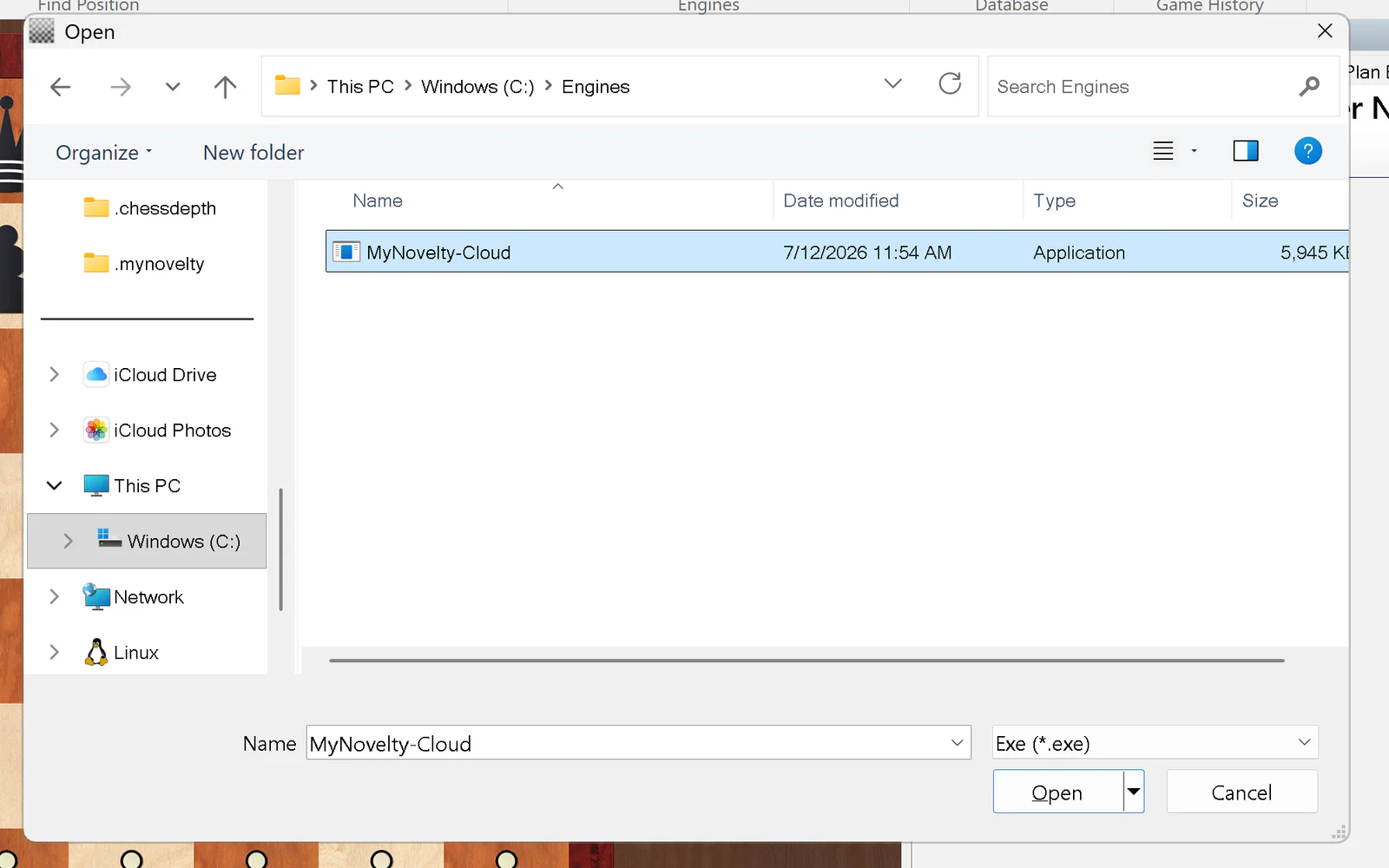
Analyzing on another device
Your cloud engine runs one live analysis at a time. Open the same account in a browser or on your phone and analysis moves there — the ChessBase evaluation goes blank. A blank eval means “not analyzing here,” not a crash. To bring it back, play a move or pick another position in ChessBase; the engine reconnects in a few seconds.
Help with the bridge
Sign-in does not open
Start MyNovelty Cloud once in ChessBase. If no browser opens, use the sign-in URL in %USERPROFILE%\.chessdepth\bridge.log, then start the engine again.
Windows SmartScreen appears
The bridge is currently unsigned. Choose More info, then Run anyway.
The engine appears offline
Open a position, then choose Home → Add Kibitzer → MyNovelty Cloud. The bridge connects only while ChessBase requests analysis.