Download the UCI bridge
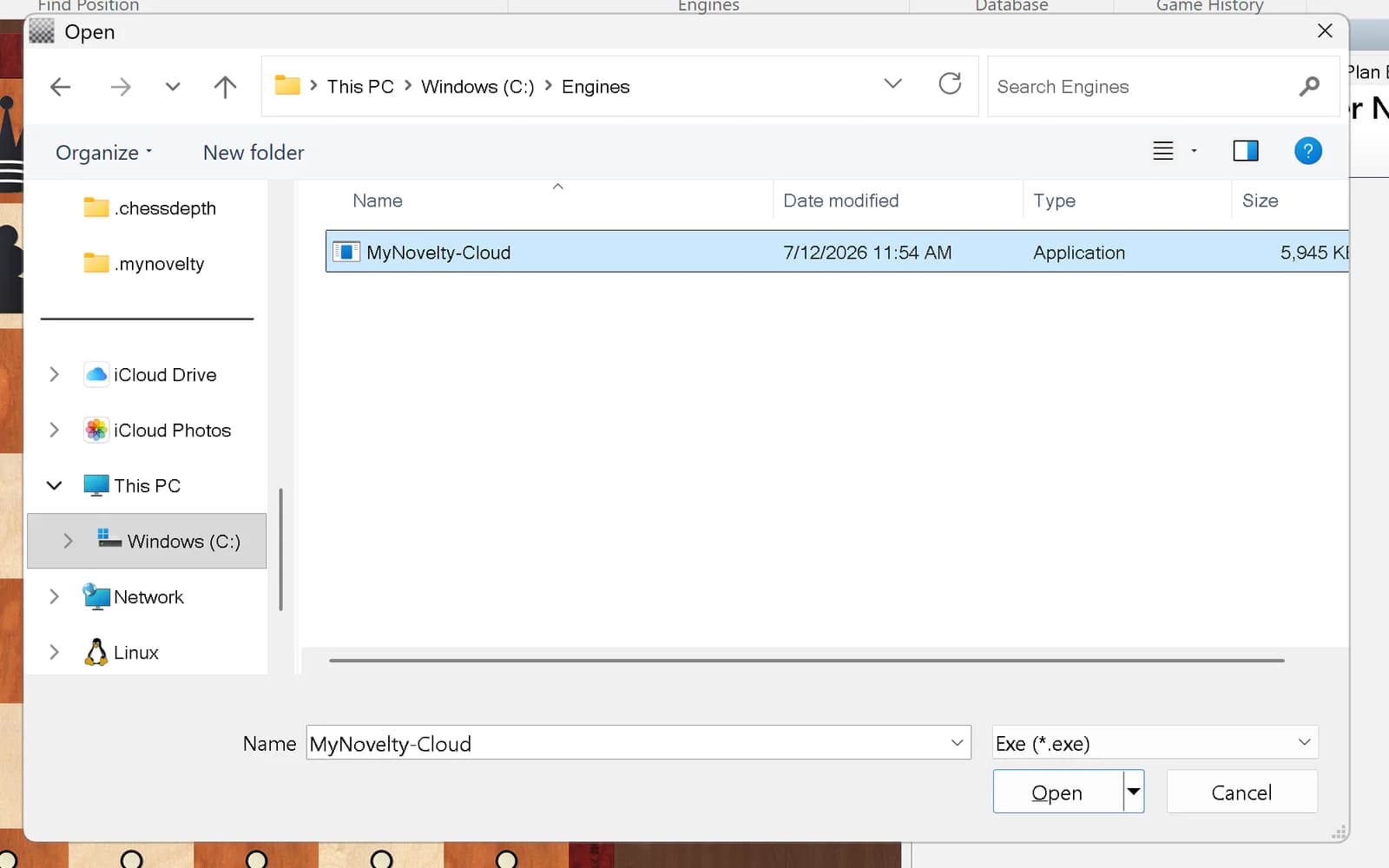
One file connects your chess GUI to MyNovelty. Download it, add it as a UCI engine, then sign in once.
Download for Windows (x64)All platforms
Help with the bridge
Sign-in does not open
The bridge saves the sign-in link to signin.url in its config folder (%USERPROFILE%\.mynovelty on Windows, ~/.mynovelty on macOS and Linux). Double-click it, finish signing in, then restart the engine in your GUI.
Windows SmartScreen appears
The Windows bridge is currently unsigned. Choose More info, then Run anyway.
The engine appears offline
Open a position and activate the engine in your GUI. The bridge connects only when the GUI requests analysis.